

There’s a strange thing happening in software right now.
Every company is adding AI.
Email apps have AI.
Calendars have AI.
Search engines have AI.
Even my note-taking app wants to tell me it’s “AI-powered.”
Most of it is noise.
The reality?
You don’t need fifty AI tools.
You need five that save you an hour every day.
That’s a different standard.
I don’t care if a tool has the newest model or the coolest demo.
I care whether it helps me spend less time on repetitive work and more time building a business.
These are the free AI tools I’d recommend to almost anyone.
1. ChatGPT
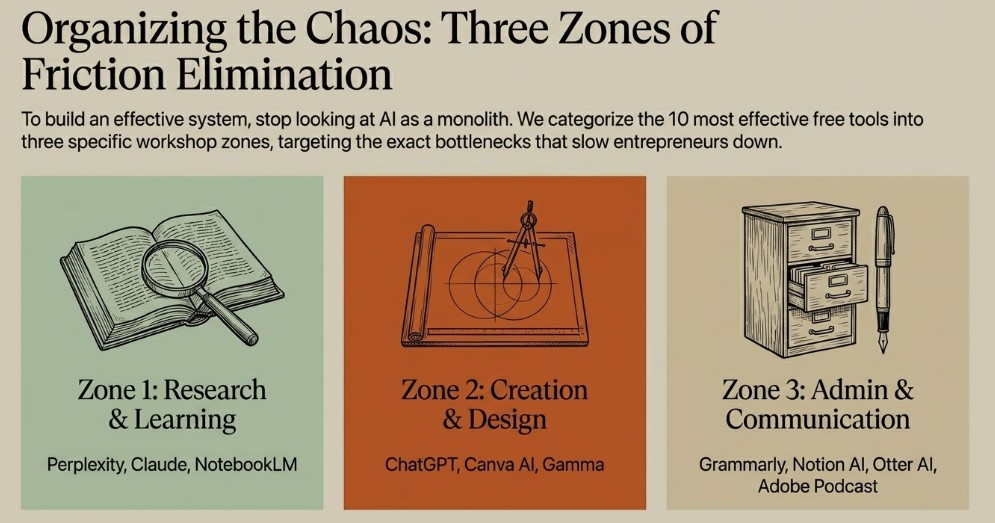
Best for: Everything
If you’ve never used AI before, start here.
Seriously.
Don’t spend weeks comparing models.
Open ChatGPT and ask it to help with something you’re already doing.
Examples:
- Write an email
- Brainstorm business ideas
- Summarize a document
- Create a marketing plan
- Explain a confusing concept
Within ten minutes you’ll understand why millions of people use it every day.
Why It Saves Time
Instead of starting with a blank page, you start with a draft.
That alone can save hours every week.
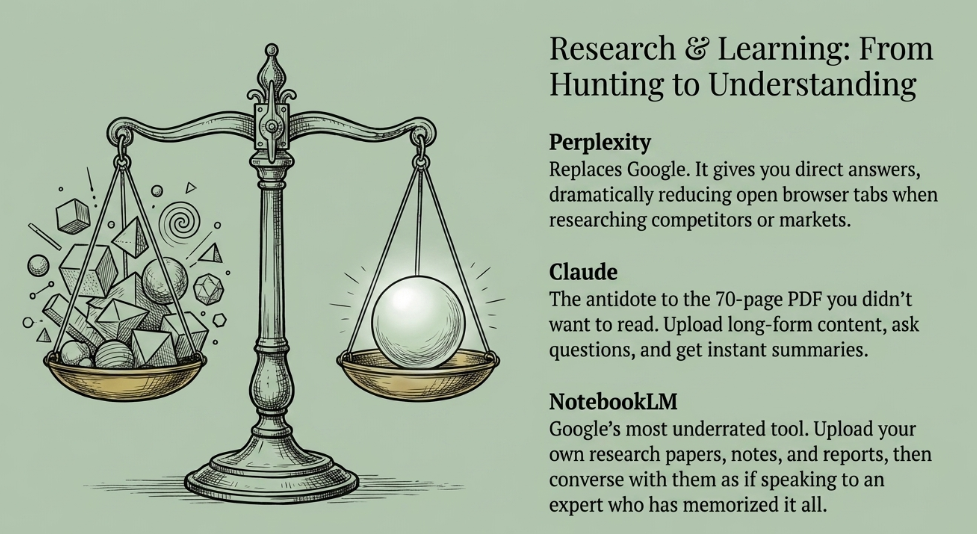
2. Perplexity
Best for: Research
Google gives you links.
Perplexity gives you answers.
Need to understand a market?
Research competitors?
Learn a new topic?
Perplexity dramatically reduces the number of browser tabs you’ll open.
Why It Saves Time
Less searching.
More learning.
3. Claude
Best for: Reading long documents
Ever received a 70-page PDF you didn’t actually want to read?
Upload it.
Ask questions.
Get summaries.
Claude excels at understanding long-form content.
Why It Saves Time
You read the important parts instead of every part.
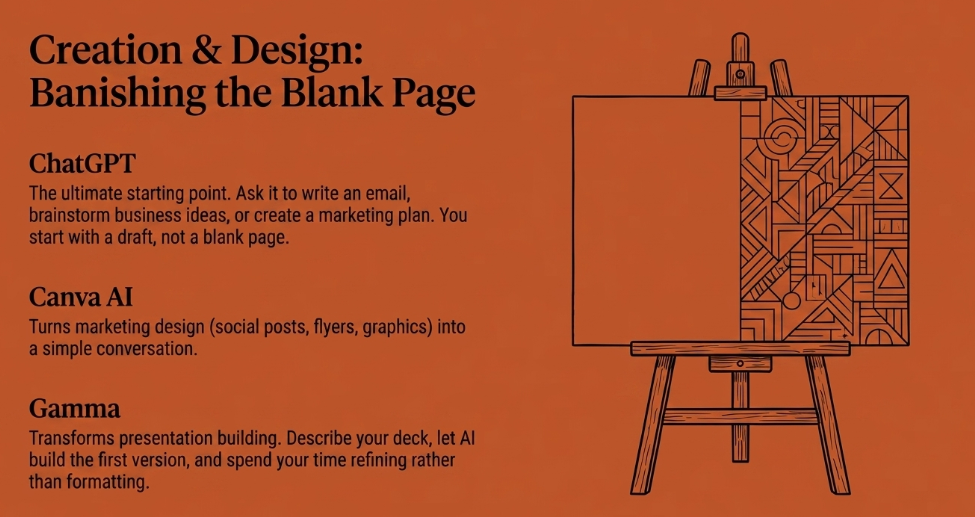
4. Canva AI
Best for: Marketing design
Design used to be a bottleneck.
Now it’s mostly a conversation.
Need:
- Social posts
- Presentations
- Flyers
- Marketing graphics
Canva’s AI speeds up the entire process.
Why It Saves Time
Less fiddling with design tools.
More publishing.
5. Grammarly
Best for: Business writing
People think Grammarly checks spelling.
It does.
But that’s not why I use it.
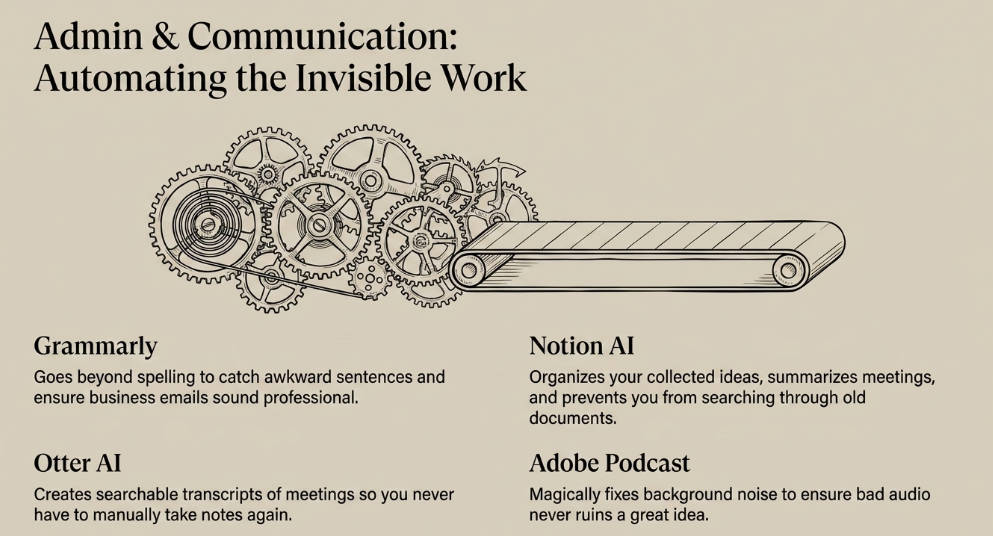
It catches awkward sentences, improves clarity, and helps emails sound more professional.
Why It Saves Time
Fewer rewrites.
Less second-guessing.
6. Notion AI
Best for: Organizing information
Every entrepreneur collects ideas.
Most never find them again.
Notion AI helps organize notes, summarize meetings, and surface information when you need it.
Why It Saves Time
Less searching through old documents.
7. Otter AI
Best for: Meetings
Taking notes during meetings is one of those tasks everyone accepts.
You don’t have to anymore.
Otter records conversations and creates searchable transcripts.
Why It Saves Time
You can actually pay attention during meetings.
8. Adobe Podcast
Best for: Audio cleanup
Bad audio ruins great ideas.
Adobe Podcast fixes surprising amounts of background noise automatically.
It’s one of those products that feels almost unfair.
Why It Saves Time
No complicated audio editing.
9. Gamma
Best for: Presentations
PowerPoint has always been more work than it should be.
Gamma changes that.
Describe your presentation.
AI builds the first version.
You refine it.
Why It Saves Time
Hours become minutes.
10. NotebookLM
Best for: Learning
NotebookLM might be Google’s most underrated AI product.
Upload documents.
Research papers.
Notes.
Reports.
Then ask questions as if you’re talking to an expert who has read everything.
Why It Saves Time
You stop hunting for information.
Instead, you have conversations with it.
My Favorite Free AI Workflow
People often ask how these tools fit together.
Here’s a simple system.
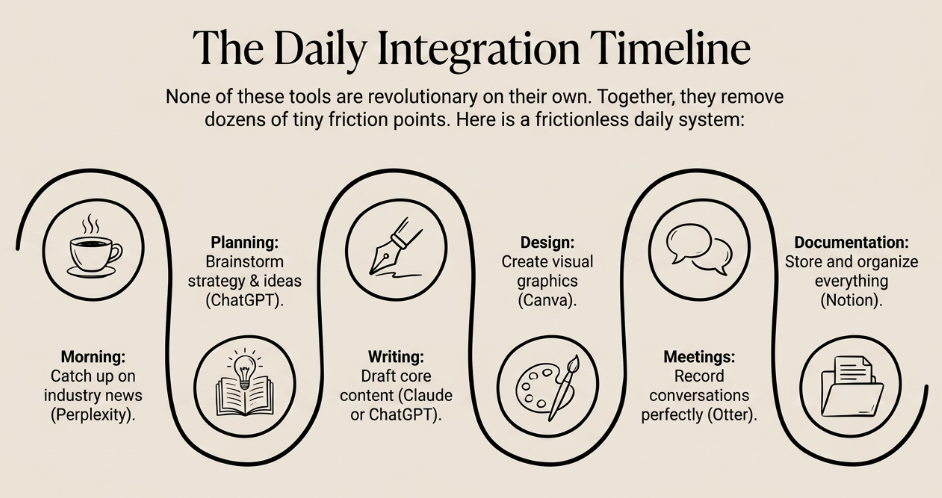
Morning:
Use Perplexity to catch up on industry news.
Planning:
Brainstorm ideas with ChatGPT.
Writing:
Draft content in Claude or ChatGPT.
Design:
Create graphics in Canva.
Meetings:
Record them with Otter.
Documentation:
Store everything in Notion.
None of these tools are revolutionary on their own.
Together?
They remove dozens of tiny friction points from your day.
That’s where the magic happens.
The Biggest Mistake People Make
Most beginners download every AI app they see on social media.
That’s backwards.
The goal isn’t to collect tools.
The goal is to eliminate repetitive work.
Every time you catch yourself thinking:
“I do this every week.”
Ask yourself:
“Could AI help?”
Sometimes the answer is no.
Often the answer is yes.
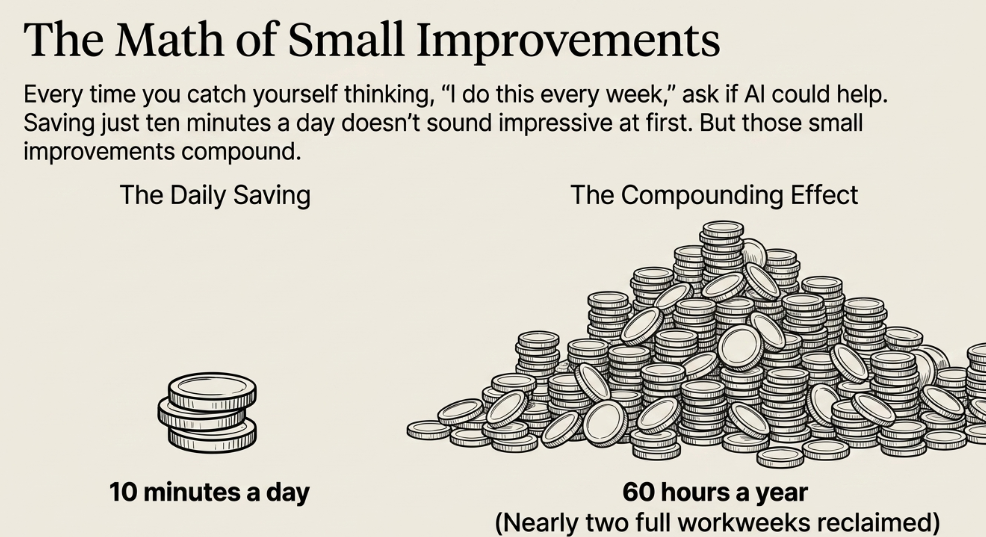
Those small improvements compound.
Saving ten minutes a day doesn’t sound impressive.
Until you realize that’s more than sixty hours a year.
That’s nearly two full workweeks.
Which Free Tool Should You Try First?
If you’ve never touched AI before:
Start with ChatGPT.
Spend thirty minutes asking questions about your business.
Not generic prompts.
Real problems.
Ask it to improve your emails.
Review your website.
Generate marketing ideas.
Analyze competitors.
Plan your next project.
You’ll quickly discover that AI isn’t just another productivity app.
It’s a new way of working.
Final Thoughts
People often ask whether the free versions of AI tools are enough.
For most entrepreneurs?
Yes.
At least in the beginning.
Don’t buy software because everyone else is.
Upgrade when you’ve reached the limits of the free plan.
Not before.
The entrepreneurs getting the biggest advantage from AI aren’t necessarily spending the most money.
They’re simply using these tools every single day.
Because AI doesn’t create value when it’s sitting in your bookmarks.
It creates value when it becomes part of your workflow.
That’s the real competitive advantage.


[…] tested a lot of these tools over the last year, and here’s where I think they […]