

A few years ago, writing software meant staring at a blinking cursor until inspiration arrived.
Today?
The cursor usually starts typing first.
That’s a strange sentence to write.
It’s also true.
AI coding assistants have changed software development faster than almost any tool I’ve seen.
They don’t replace developers.
They remove the boring parts.
Autocomplete.
Documentation.
Debugging.
Boilerplate code.
Finding simple mistakes.
The result is that developers spend less time fighting syntax and more time solving problems.
Even if you’ve never written a line of code, AI is lowering the barrier to building websites, apps, and internal tools.
That’s a much bigger story than “AI writes code.”
After testing the major players, here’s where I think they fit.
The Short Answer
If you’re just looking for recommendations:
Best Overall: GitHub Copilot
Best AI Coding Editor: Cursor
Best for Building Apps with Prompts: Lovable
Best for Rapid Prototyping: Bolt
Best Browser-Based IDE: Replit AI
Best for Enterprise Teams: Amazon Q Developer
Now let’s talk about why.
1. GitHub Copilot
Best Overall
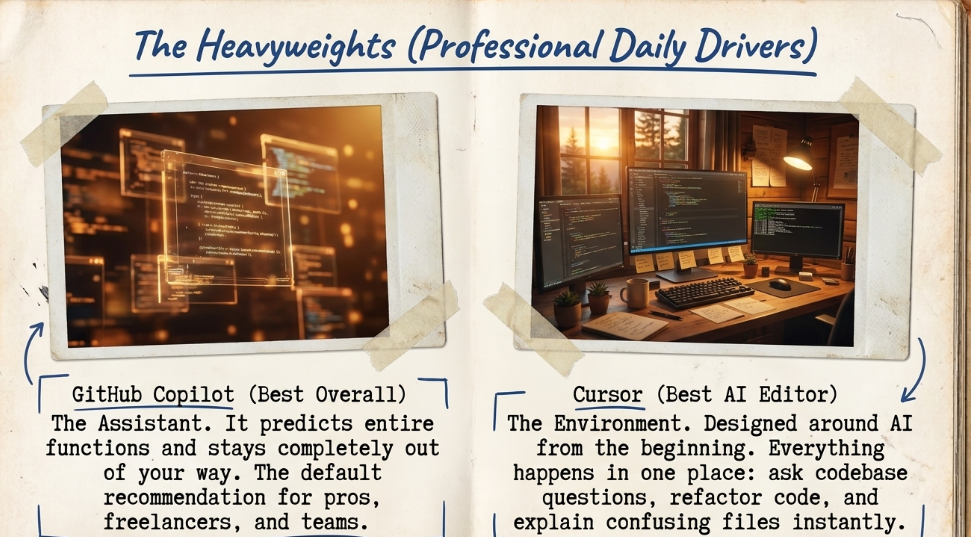
GitHub Copilot was one of the first AI coding assistants that made developers stop and say:
“Wait… this actually works.”
Instead of simply completing one word at a time, it predicts entire functions, suggests improvements, and often understands what you’re trying to build.
It’s become the default recommendation for a reason.
Best For
- Professional developers
- Freelancers
- Startup founders
- Students
- Software teams
What I Like
It stays out of your way.
Good software feels like an assistant, not a distraction.
Copilot gets that balance right.
2. Cursor
Best AI Code Editor
Cursor isn’t just an editor with AI added later.
It was designed around AI from the beginning.
That changes everything.
You can ask it questions about your codebase.
Generate new features.
Refactor existing code.
Explain confusing files.
Instead of constantly switching between your editor and an AI chatbot, everything happens in one place.
That alone saves a surprising amount of time.
Best For
Developers working on medium and large projects.
3. Lovable
Best for Non-Developers
This is where things get interesting.
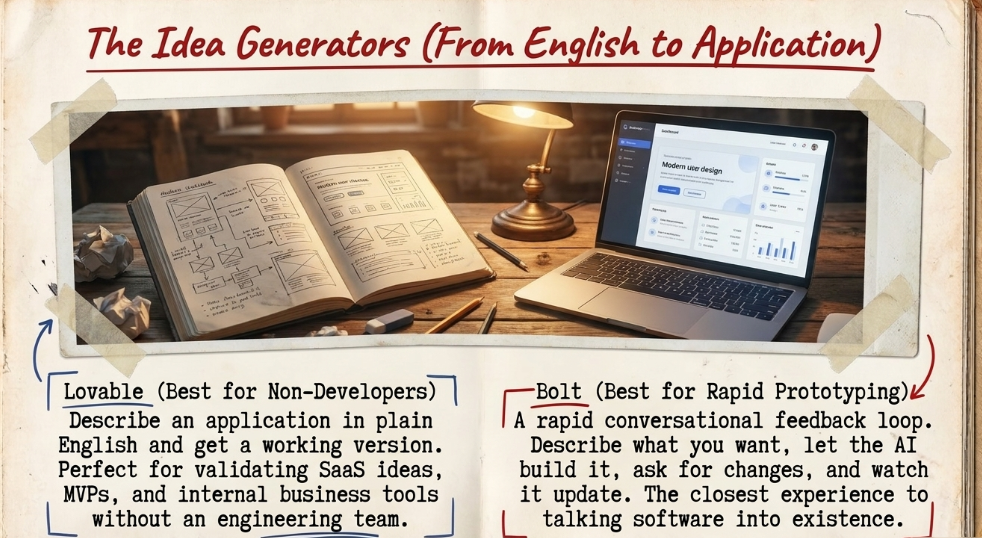
Lovable lets you describe an application in plain English.
Then it builds a working version.
Think about how unusual that is.
Five years ago you’d need a developer just to validate an idea.
Now you can create a prototype yourself.
Will it replace engineering teams?
No.
Will it help founders test ideas faster?
Absolutely.
Best For
- Startup founders
- SaaS ideas
- MVPs
- Internal business tools
4. Bolt
Best for Rapid Prototyping
Bolt feels less like coding and more like collaborating.
You describe what you want.
The AI builds it.
You ask for changes.
It updates the project.
That feedback loop is incredibly fast.
It’s one of the closest experiences I’ve had to simply talking software into existence.
Best For
Early-stage product ideas.
Landing pages.
Small web applications.
5. Replit AI
Best Browser-Based Development
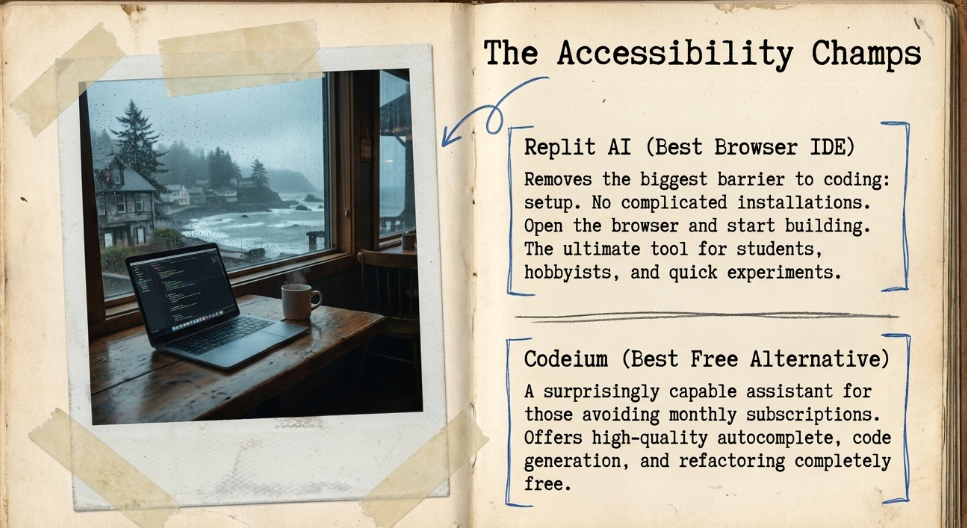
Replit removes one of the biggest barriers to coding.
Setup.
No complicated installations.
No spending half a day configuring your machine.
Open the browser.
Start building.
AI helps along the way.
For beginners especially, that’s a huge advantage.
Best For
- Students
- Hobby projects
- Quick experiments
- Learning programming
6. Amazon Q Developer
Best for Enterprise Teams
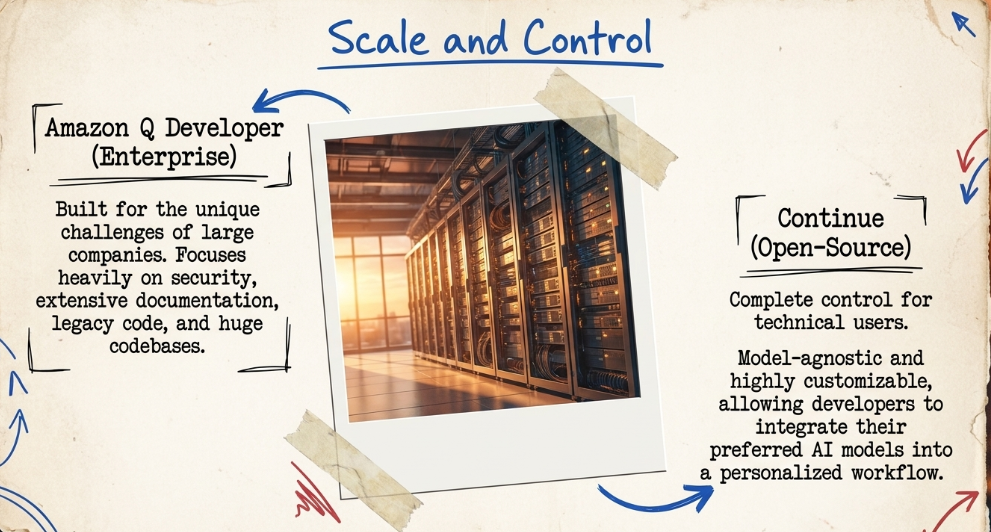
Large companies have different problems than solo founders.
Security.
Documentation.
Legacy code.
Huge codebases.
Amazon Q is designed with those challenges in mind.
It’s less exciting than some newer AI products.
It’s also solving a very real problem for enterprise developers.
7. Codeium
Best Free Alternative
Not everyone wants another monthly subscription.
Codeium offers a surprisingly capable free coding assistant.
Autocomplete.
Code generation.
Explanations.
Refactoring.
If you’re just getting started, it’s difficult to argue with free.
8. Continue
Best Open-Source Option
Some developers want complete control over their tools.
Continue gives them that.
It’s open source and integrates with multiple AI models.
That flexibility makes it appealing for technical users who like customizing their workflow.
It’s probably not the first recommendation for beginners.
But it’s worth knowing about.
Which Coding Assistant Do I Actually Recommend?
Here’s how I’d think about it.
If you’re already a developer:
Start with GitHub Copilot.
If you’re writing code every day:
Try Cursor.
If you’re a founder who doesn’t know how to code:
Experiment with Lovable or Bolt.
If you’re learning:
Use Replit AI.
Different tools solve different problems.
That’s a better framework than asking which one is “best.”
The Biggest Mistake People Make
People assume AI means they no longer need to understand programming.
That’s backwards.
AI makes good developers faster.
It doesn’t magically make software easy.
Think of it this way.
A calculator didn’t eliminate the need to understand math.
It eliminated repetitive arithmetic.
AI coding assistants do something similar.
They handle repetitive implementation.
You still need to understand the problem you’re solving.
Can AI Replace Developers?
This question appears every week.
I don’t think it’s the right question.
The better question is:
“What happens to developers who refuse to use AI?”
History gives us a clue.
Spreadsheets didn’t replace accountants.
They replaced accountants who refused to use spreadsheets.
The internet didn’t eliminate retailers.
It changed how retail worked.
AI will likely follow the same pattern.
Developers who embrace it will build more.
Ship faster.
Experiment more often.
The advantage compounds.
My Simple AI Development Workflow
If I were building a software startup today, my process would look something like this.
Research the market with AI.
Plan the product.
Prototype it in Lovable or Bolt.
Move development into Cursor with GitHub Copilot.
Ask AI to explain unfamiliar code.
Generate documentation automatically.
Review everything before deploying.
Notice the pattern.
AI isn’t replacing decision-making.
It’s accelerating execution.
Final Thoughts
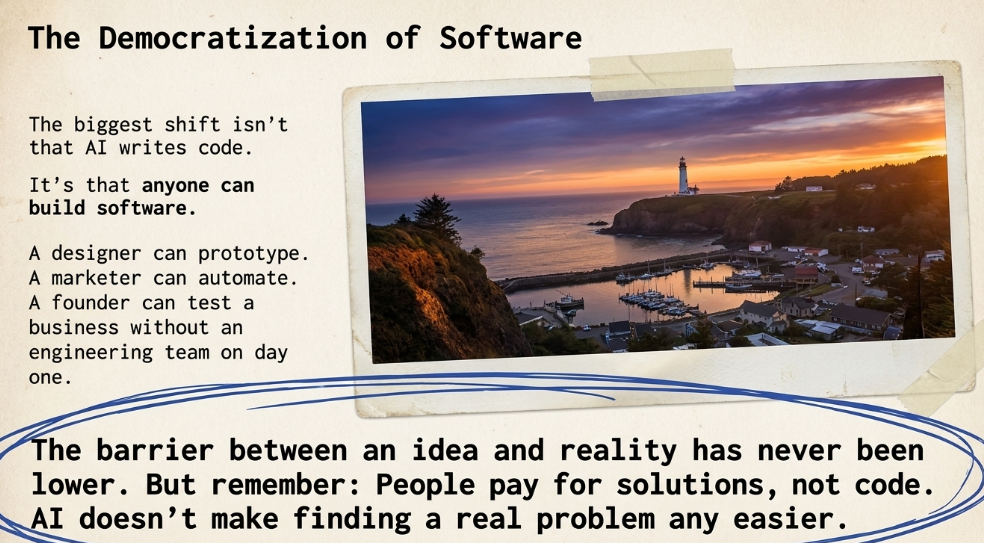
The biggest shift isn’t that AI can write code.
It’s that more people can now build software.
That’s an enormous change.
A designer can prototype an idea.
A marketer can automate repetitive work.
A founder can test a business without hiring an engineering team on day one.
The barrier between having an idea and seeing it work has never been lower.
That’s exciting.
But remember this.
People don’t pay for code.
They pay for solutions.
AI makes writing software easier.
It doesn’t make finding a real problem any easier.
And that’s still where the best businesses begin.