
A designer friend of mine told me something recently about AI Image Generators.
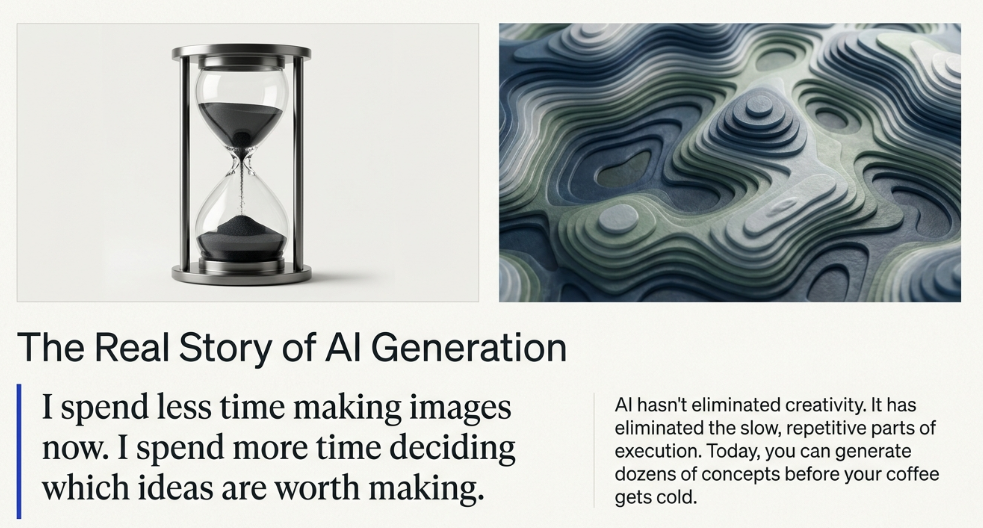
“I spend less time making images now.”
I thought that sounded terrible.
Then he finished the sentence.
“I spend more time deciding which ideas are worth making.”
That’s the real story of AI image generation.
The tools haven’t eliminated creativity.
They’ve eliminated the slow, repetitive parts of creating.
A few years ago, if you wanted custom artwork, you either learned Photoshop or hired a designer.
Today?
You can generate dozens of concepts before your coffee gets cold.
That’s a huge advantage for creators.
But here’s the problem.
There are dozens of AI image generators now, and most comparison articles treat them as if they’re interchangeable.
They’re not.
Some are incredible for artistic work.
Some are built for marketers.
Some create beautiful images but struggle with text.
Others are fast but inconsistent.
After testing the biggest players, here’s where I’d spend my time.
The Short Answer
If you’re in a hurry:
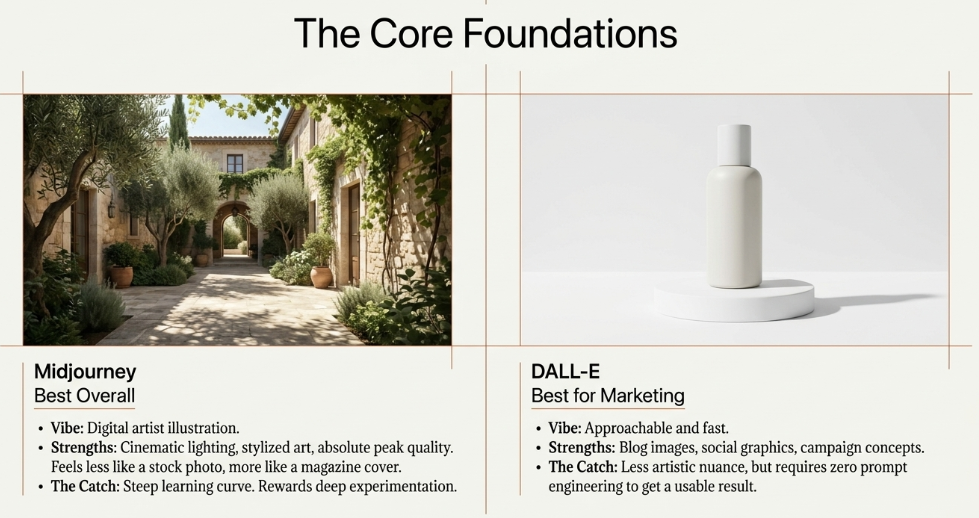
Best Overall: Midjourney
Best Free Option: Microsoft Designer
Best for Marketing: DALL·E
Best for Graphic Design: Canva AI
Best for Product Mockups: Adobe Firefly
Best for Text in Images: Ideogram
Now let’s look at each one.
1. Midjourney
Best Overall
If image quality is your priority, Midjourney is still incredibly hard to beat.
Its images often feel less like stock photos and more like illustrations from a talented digital artist.
That’s why it’s become a favorite among:
- YouTubers
- Designers
- Bloggers
- Indie founders
- Brand creators
Need a futuristic city?
Done.
Need cinematic lighting?
Done.
Need an illustration that looks like it belongs on the cover of a magazine?
Also done.
Strengths
- Incredible artistic quality
- Realistic lighting
- Stylized artwork
- Creative concepts
Weaknesses
There’s a learning curve.
The best results usually come from people willing to experiment.
2. DALL·E
Best for Marketing
If your goal is creating visuals for blogs, presentations, websites, or social media, DALL·E is a fantastic option.
What I like most is how approachable it feels.
You don’t need to become a prompt engineer.
Describe what you want.
Refine it.
Move on.
For entrepreneurs creating content every week, that’s valuable.
Best For
- Blog images
- Website graphics
- Product concepts
- Marketing campaigns
3. Adobe Firefly
Best for Creative Professionals
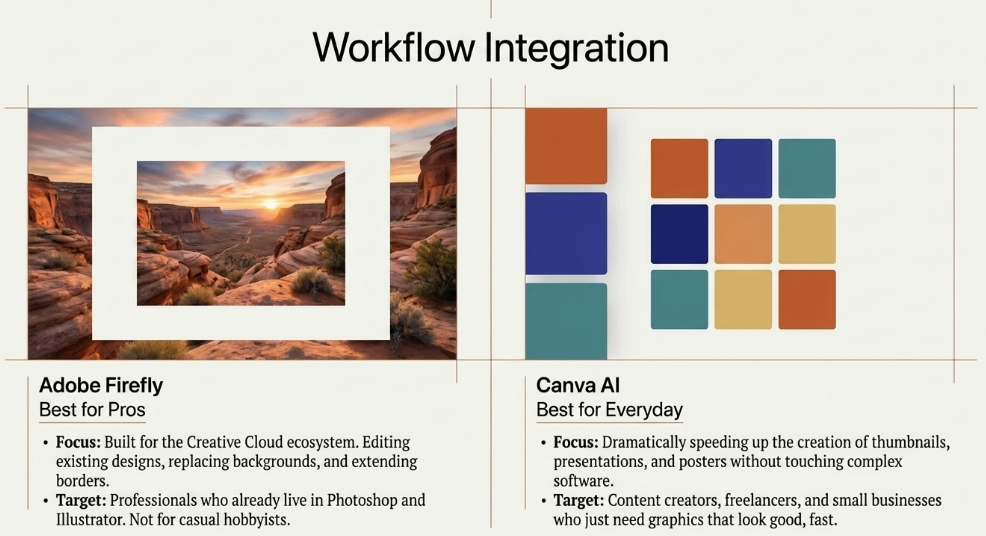
Adobe didn’t build Firefly for casual users.
It built it for people already using Photoshop, Illustrator, and the rest of the Creative Cloud ecosystem.
That matters.
Instead of generating an image and starting over, you can edit specific parts of an existing design.
Need to replace a background?
Easy.
Need to extend an image?
A few clicks.
It’s AI designed for professionals rather than hobbyists.
4. Canva AI
Best for Everyday Creators
Canva has always understood something important.
Most people don’t actually want to become designers.
They just need graphics that look good.
Canva AI speeds up that process dramatically.
Create:
- Instagram posts
- LinkedIn graphics
- Presentations
- Thumbnails
- Posters
Without touching complicated software.
Best For
Content creators.
Small businesses.
Freelancers.
5. Ideogram
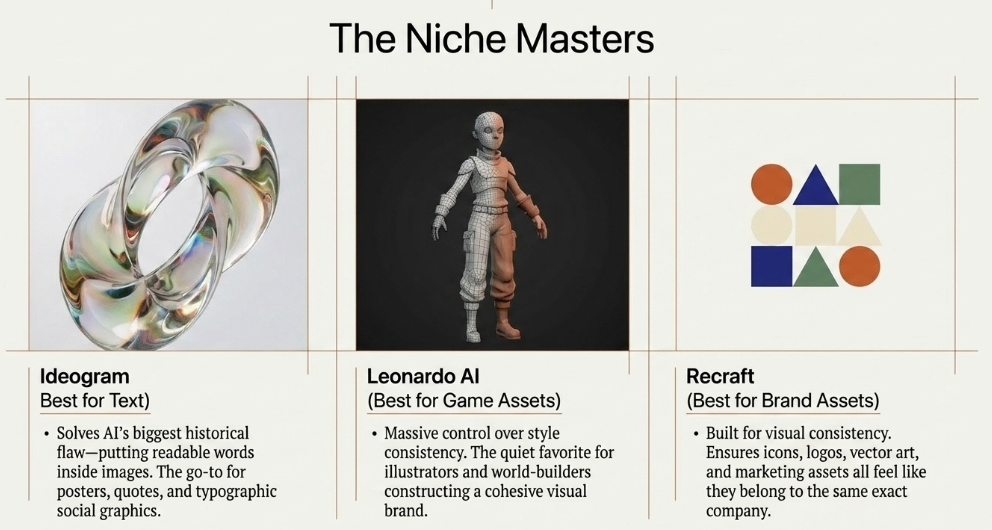
Best for Text Inside Images
Here’s a surprisingly difficult challenge for AI.
Putting readable words inside images.
Many image generators still struggle with this.
Ideogram is one of the best at it.
If you’re creating:
- Posters
- Quotes
- Logos
- Social graphics
It’s worth trying.
6. Leonardo AI
Best for Game Assets & Illustrations
Leonardo has quietly become a favorite among game developers and illustrators.
It gives users a lot of control over style and consistency.
That’s useful if you’re building a visual brand rather than generating one-off images.
7. Microsoft Designer
Best Free Option
If you’re just getting started, don’t spend money immediately.
Microsoft Designer offers surprisingly capable image generation without asking for a premium subscription upfront.
It’s one of the easiest ways to experiment with AI.
Sometimes free is exactly what you need.
8. Recraft
Best for Brand Assets
Consistency is difficult with AI.
Recraft does a good job helping businesses create icons, logos, vectors, and marketing assets that feel like they belong together.
That’s more valuable than generating random beautiful pictures.
Which One Do I Actually Use?
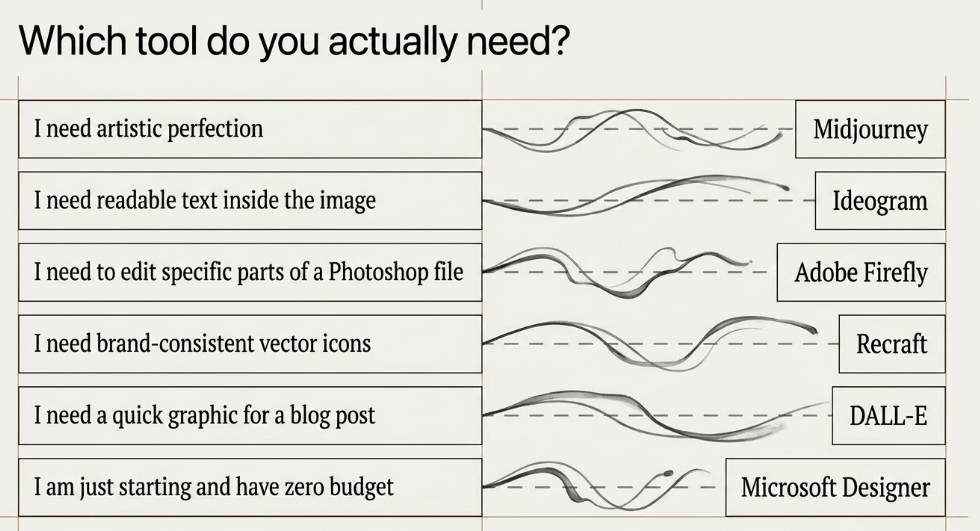
People love asking this question.
Here’s the honest answer.
I don’t use one.
I use several.
Midjourney when quality matters.
DALL·E when I need ideas quickly.
Canva AI when I need graphics for marketing.
Adobe Firefly when editing existing creative work.
The right tool depends on the job.
Not the other way around.
The Biggest Mistake Creators Make
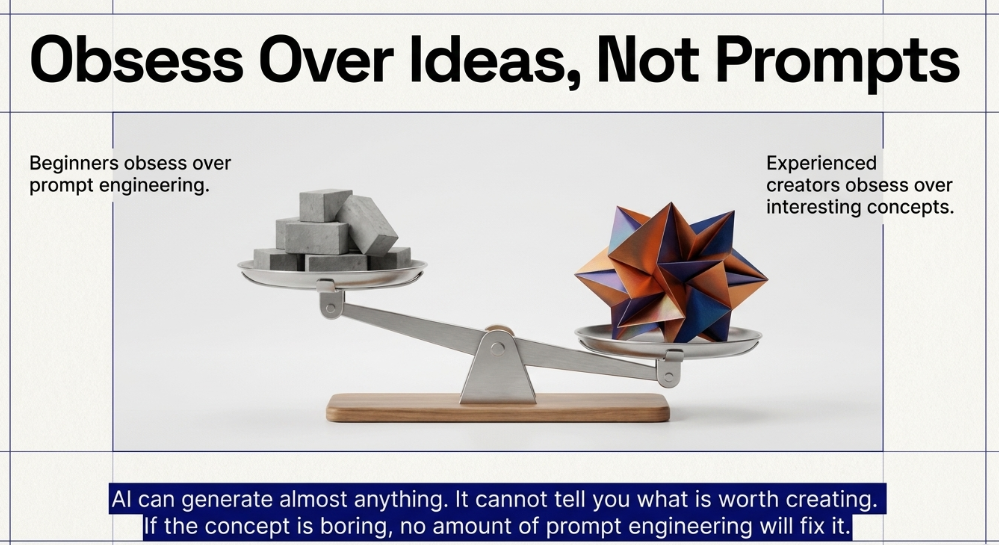
Most beginners obsess over prompts.
Experienced creators obsess over ideas.
That’s a huge difference.
AI can generate almost anything.
It can’t tell you what’s worth creating.
If your concept is boring, no amount of prompt engineering will fix it.
The creators winning with AI aren’t necessarily better at using software.
They’re better at noticing interesting ideas.
AI simply helps them execute faster.
Will AI Replace Designers?
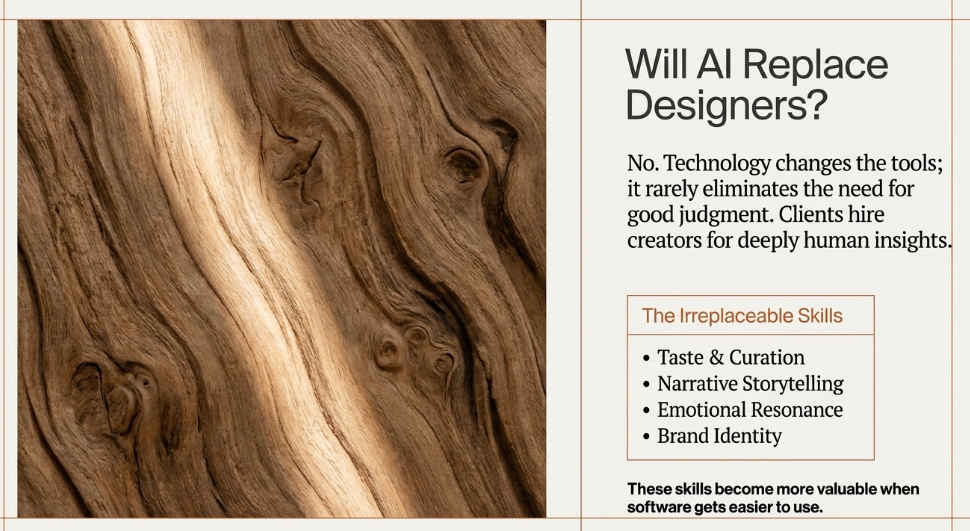
I don’t think so.
At least not in the way people imagine.
Clients don’t hire great designers because they know Photoshop.
They hire them because they understand branding.
Storytelling.
Emotion.
Taste.
Those skills become more valuable when software gets easier.
Technology changes the tools.
It rarely eliminates the need for good judgment.
Final Thoughts on AI Image Generators
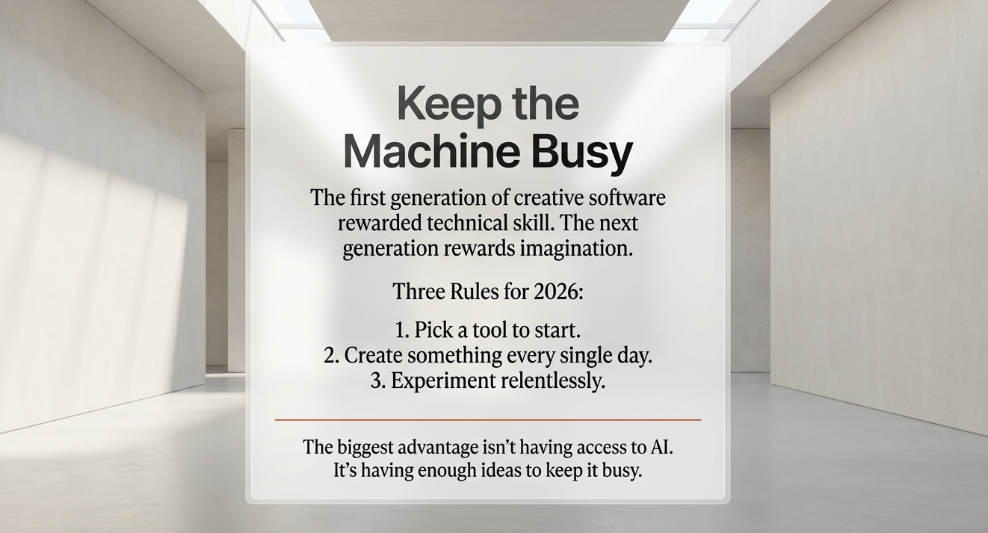
The first generation of creative software rewarded technical skill.
The next generation rewards imagination.
That’s a fascinating shift.
The creators who thrive over the next decade probably won’t be the ones who memorize the most prompts.
They’ll be the ones who consistently develop interesting ideas and use AI to bring them to life faster.
So don’t worry about finding the “perfect” image generator.
Pick one.
Create something every day.
Experiment relentlessly.
Because the biggest advantage isn’t having access to AI.
It’s having enough ideas to keep it busy.